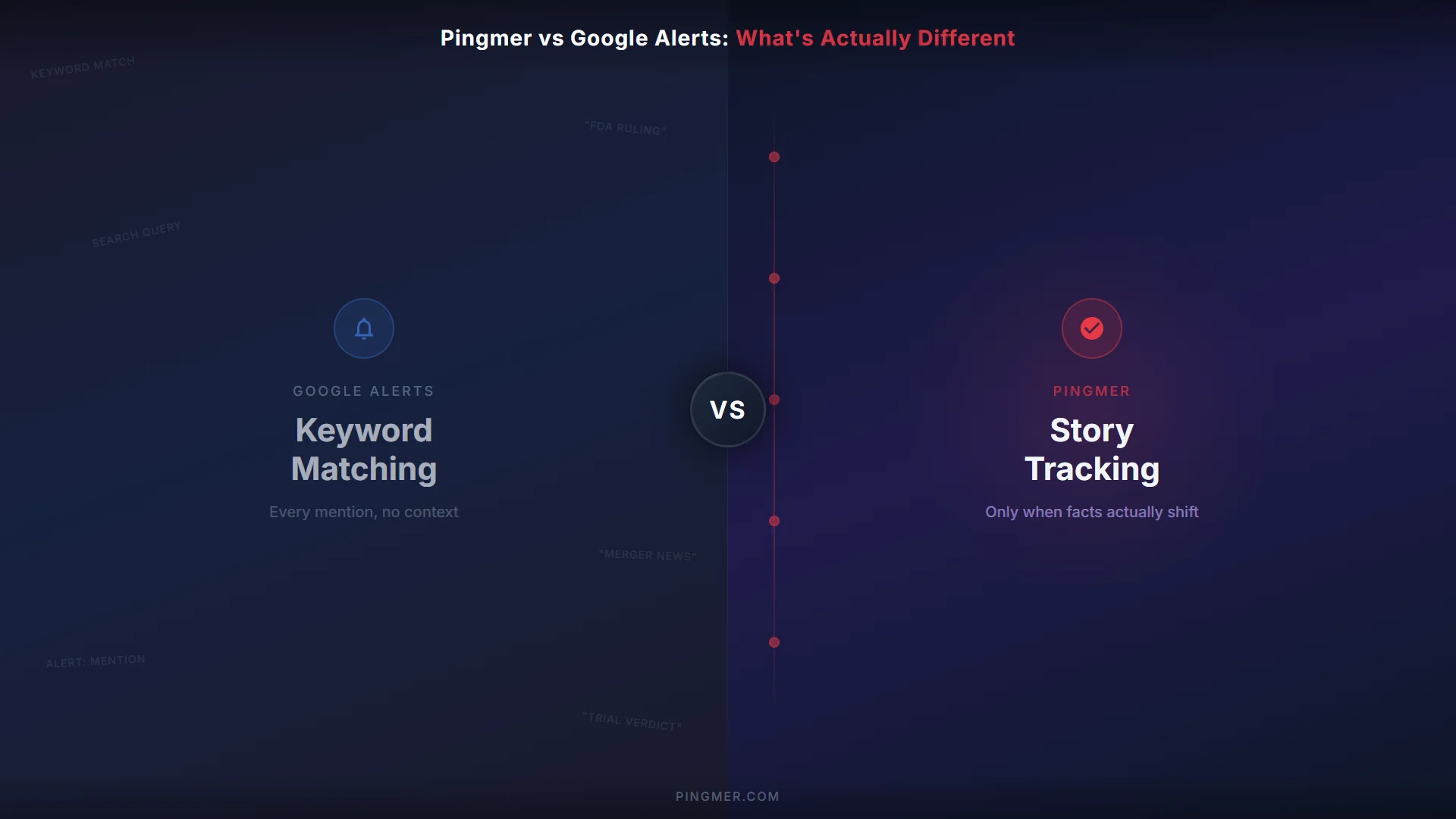
Google Alerts and Pingmer both help you stay informed. But they work so differently that comparing them feature-by-feature almost misses the point. One monitors keywords. The other tracks stories.
Here's what that actually means in practice.
Feature Comparison
| Feature | Google Alerts | Pingmer |
|---|---|---|
| Approach | Keyword matching | AI story tracking |
| Input | Enter search keywords | Submit a story URL |
| Sources | Google web index | AI-powered grounded search across web sources |
| Intelligence | None — crude keyword matching | Gemini AI with fact-shift detection |
| Timeline | No — isolated email links | Yes — chronological story timeline |
| Notifications | Every keyword mention | Only when facts shift |
| Languages | English-focused | 16+ languages natively |
| Persistence | Runs until you delete it | Tracks stories for months or years |
| Price | Free | Free (5 stories) / $8/month (25 stories) |
How Google Alerts Works
Google Alerts is straightforward. You enter keywords — a person's name, a company, a topic — and Google emails you whenever it finds new web pages matching those terms.
Under the hood, it's essentially a saved search that runs periodically. There's no AI analyzing what the content means, no filtering for significance, and no understanding of context. If your keyword appears on a page, you get an alert. If it doesn't, you don't.
This works well enough for simple, stable topics. Monitoring your own name. Tracking a specific product. Getting a heads-up when a brand is mentioned.
It breaks down when:
- The language around a story changes (new names, new terminology)
- You need to distinguish significant developments from passing mentions
- You want to understand how a story has evolved, not just that it was mentioned
- Reliability matters — Google Alerts frequently misses stories
How Pingmer Works
Pingmer starts from a different place. Instead of keywords, you submit the URL of a story you want to track. Pingmer's AI reads the article, understands what the story is about, and begins monitoring for new developments.
When something meaningful happens — a new ruling in a case, a regulatory decision, an arrest, a reversal — Pingmer detects the fact shift and notifies you. Each development gets added to a chronological timeline, so you can see exactly how the story evolved. Under the hood, Pingmer separates source evidence from story knowledge — which is why it can tell you something genuinely changed, not just that an article appeared.
The key difference: Pingmer tracks the story, not the words. If the key players change, if the case moves to a different court, if the investigation shifts to a different agency — Pingmer keeps following it. A keyword alert would miss these transitions entirely.
Scanning adapts automatically. Stories with frequent developments get checked more often. Quiet stories get checked less. You don't have to configure anything.
Key Differences
Coverage vs. Intelligence
Google Alerts casts a wide net with keyword matching. Pingmer goes deep on specific stories with AI understanding. They solve different problems.
Noise vs. Signal
Google Alerts sends you everything that matches your keywords — including irrelevant mentions, old reposts, and minor blog references. Pingmer only notifies you when it detects a genuine development. Fact-shift detection filters out the noise.
Links vs. Timeline
Google Alerts gives you a list of disconnected links. Pingmer gives you a timeline — a chronological record of how a story evolved, with each development sourced and contextualized.
Set-Up Effort
Google Alerts requires you to choose the right keywords and hope they keep working as a story evolves. Pingmer requires you to paste one URL. The AI handles everything else.
Pricing
Google Alerts is free. Pingmer has a free tier (5 stories) and a Pro tier at $8/month for 25 stories. If free is all you need and reliability doesn't matter, Google Alerts is fine.
When Google Alerts Is Enough
Be honest — Google Alerts works for certain use cases:
- Vanity searches. Monitoring your own name or your company's name. Low stakes, keyword-stable.
- Simple topic monitoring. Getting a general sense of when a topic is mentioned, without needing every instance.
- One-off keyword checks. You just want to know if a specific phrase appears somewhere new.
- Zero budget. You can't spend anything, and "something is better than nothing" applies.
If reliability isn't critical and you don't need context or a timeline, Google Alerts is fine. It's free and it's already there.
When You Need Pingmer
Pingmer is built for stories that matter enough that you can't afford to miss a development:
- Court cases and legal proceedings. Trials, sentencing, appeals — stories that evolve through distinct milestones over months or years.
- Regulatory investigations. FDA actions, antitrust cases, policy changes — where a missed development could mean a missed decision.
- Ongoing investigations. Stories where the language and focus shift as new information emerges.
- Long-term personal interest. That missing person case. That infrastructure project. That merger. Stories you genuinely care about following to their conclusion.
- Professional tracking. Journalists on a beat. Researchers monitoring a domain. Investors following market-moving stories.
All of these are examples of story tracking — a different category from keyword alerts, designed for stories that evolve.
The Bottom Line
Google Alerts and Pingmer aren't really competitors — they're different tools for different jobs. Google Alerts monitors keywords. Pingmer tracks stories. One is free and unreliable. The other costs $8/month and is built for stories that actually matter to you.
If you just need casual keyword monitoring, use Google Alerts. If you need to follow a story and can't afford to miss what happens next, give Pingmer a try.
For a three-way comparison that also includes Feedly, see Google Alerts vs Feedly vs Pingmer. For the full range of options, see our guide to Google Alerts alternatives.